
Cash-back and receipt-scanning apps like Ibotta and Fetch Rewards can add up to real grocery savings — here’s how they work, how much you can realistically earn, and how to stack them with other discounts.
If you’ve heard a friend or neighbor mention “getting money back” just for scanning a grocery receipt, you’re not imagining things. Cash-back and receipt-scanning apps have quietly become one of the easiest ways for budget-conscious shoppers — including many retirees and older adults — to shave a little extra off the weekly grocery bill. But how do they actually work, and is the payout worth the hassle? Let’s break it down.

1. How Cash-Back and Receipt-Scanning Apps Work
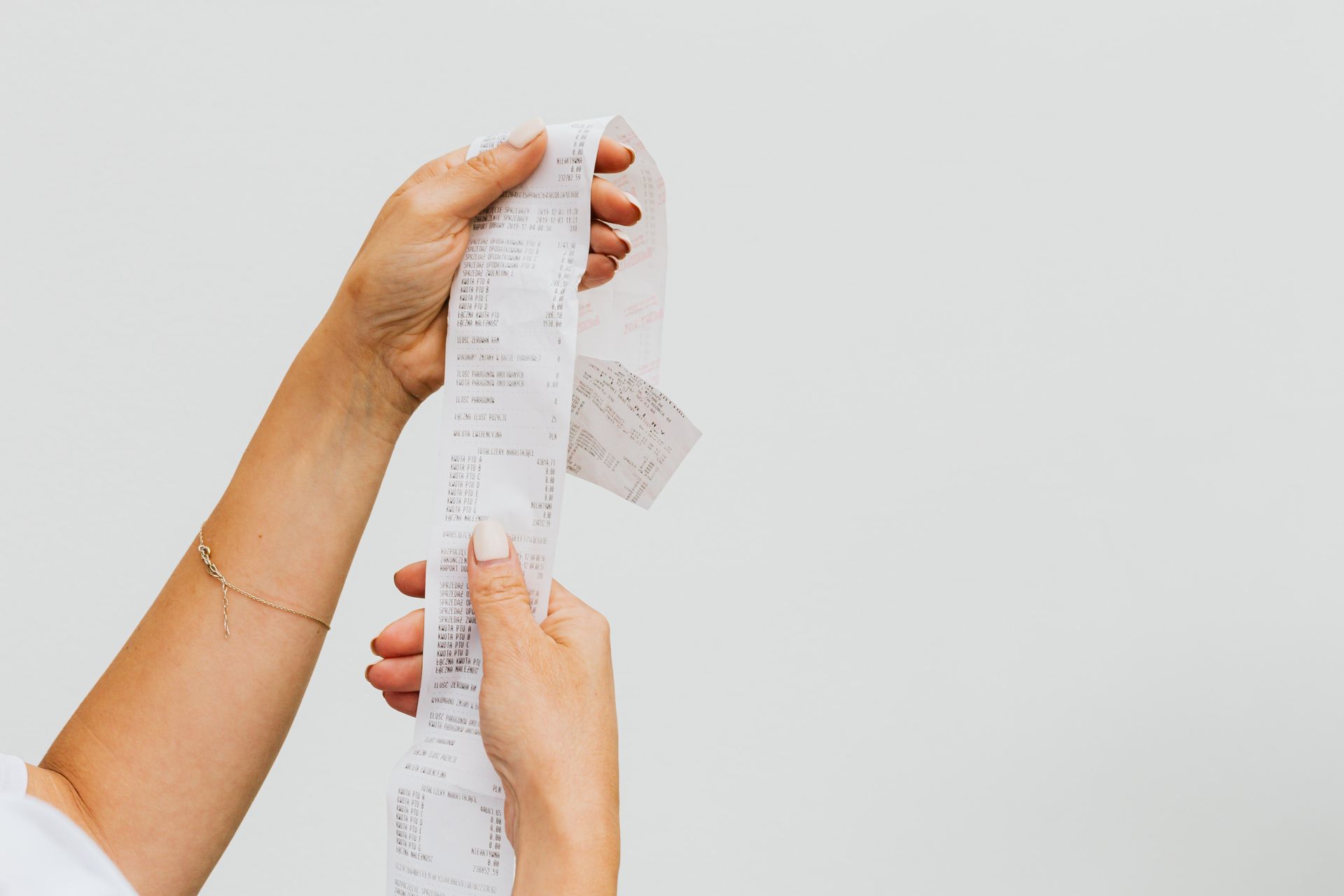
The basic idea behind these apps is refreshingly simple. You shop the way you always have — no special coupons to clip, no membership card to swipe at checkout. Once you’re done, you open the app, snap a photo of your paper receipt (or in some cases link your store loyalty account or email), and the app scans it for eligible items.
Matching items earn you cash back or points, which accumulate in your account over time. Most apps require you to reach a minimum threshold — often somewhere between $5 and $20 — before you can cash out. Payout options typically include:
- Gift cards to major retailers
- PayPal transfers
- Direct deposit to a bank account (offered by some apps)
It’s not instant money in your pocket, but for shoppers who are already buying groceries every week, it’s a low-effort way to get a small rebate on purchases you were going to make anyway.
2. Popular Apps and How They Differ
Not all cash-back apps work the same way. Here’s a quick look at some of the most widely used options:
Ibotta
Ibotta is known for brand-specific offers tied to particular products at major grocery chains. You “unlock” offers in the app before or after shopping, then match them to items on your receipt. It has a cash-out minimum, and earnings tend to be higher if you’re willing to browse the app and plan around active offers.
Fetch Rewards
Fetch Rewards takes a simpler, points-based approach. You can scan almost any grocery receipt — even ones with no special offers — and still earn a small number of points. It’s less about targeted brand deals and more about steady, low-effort points for everyday purchases.
Checkout 51 and Rakuten
Checkout 51 works similarly to Ibotta, with rotating weekly offers on groceries. Rakuten, on the other hand, is better known for cash back on general retail and online shopping, plus some gas station and in-store partner offers — a good complement if you want savings beyond just the grocery aisle.
3. How Much You Can Realistically Earn
It’s worth setting expectations here. Viral social media posts sometimes claim shoppers rack up “hundreds of dollars a month” from these apps — but for most people shopping normally, that’s not the typical experience.
For light to moderate use — scanning receipts occasionally and matching a handful of offers — many users see somewhere in the range of a few dollars to $15–$20 per month. Heavier users who actively plan shopping trips around available offers, stack multiple apps, and scan every receipt consistently can earn more, but it takes real time and effort to get there.
A more realistic way to think about it: these apps are a nice bonus on top of your existing grocery routine, not a replacement for a real budgeting strategy.
4. How to Stack These Apps With Other Savings
The real value of cash-back apps often comes from combining them with other savings tools rather than using them alone. Consider layering:
- Manufacturer coupons — paper or digital coupons can often be used alongside app cash-back offers on the same purchase.
- Store loyalty programs — many grocery chains offer their own points or discount programs that stack on top of app rewards.
- Senior discount days — some grocery stores offer specific discount days or hours for older shoppers, which can be combined with receipt-scanning app offers for extra savings.
- Cash-back credit cards — using a cash-back credit card for the same grocery purchase, then scanning the receipt into an app, effectively earns rewards twice on one transaction.
5. Pros and Cons to Know Before You Start
Before downloading a handful of apps, it helps to weigh the trade-offs honestly.
Pros
- No cost to use — most cash-back apps are free
- Rewards on purchases you’re already making
- Can be combined with coupons and loyalty programs
Cons
- Time investment — scanning receipts and browsing offers takes a few minutes each shopping trip
- Data privacy considerations — some apps request access to email or store loyalty accounts, so it’s worth reading what data is collected
- Minimum cash-out thresholds mean small balances can sit unused for a while before you can redeem them
6. Getting Started Safely
Cash-back apps are generally safe when downloaded and used carefully, but a few precautions go a long way:
- Only download apps from official app stores (Apple App Store or Google Play), not from links in emails or text messages.
- Be cautious of any app that asks for your online banking login credentials directly — legitimate cash-back apps typically only need basic account information for payouts, such as a PayPal email or gift card delivery address.
- Watch out for lookalike apps with names or icons that closely mimic popular cash-back apps — these can be scams designed to collect personal information.
- Check reviews and download counts before installing a new app, and stick to well-known, established names when possible.
7. FAQ
Are these apps safe to use?
Generally yes, as long as you download them from official app stores and avoid apps that request unnecessary bank login information. Reading an app’s privacy policy before signing up is a good habit, especially if you’re concerned about how your shopping data is used.
Do I need a smartphone, or is there a web version?
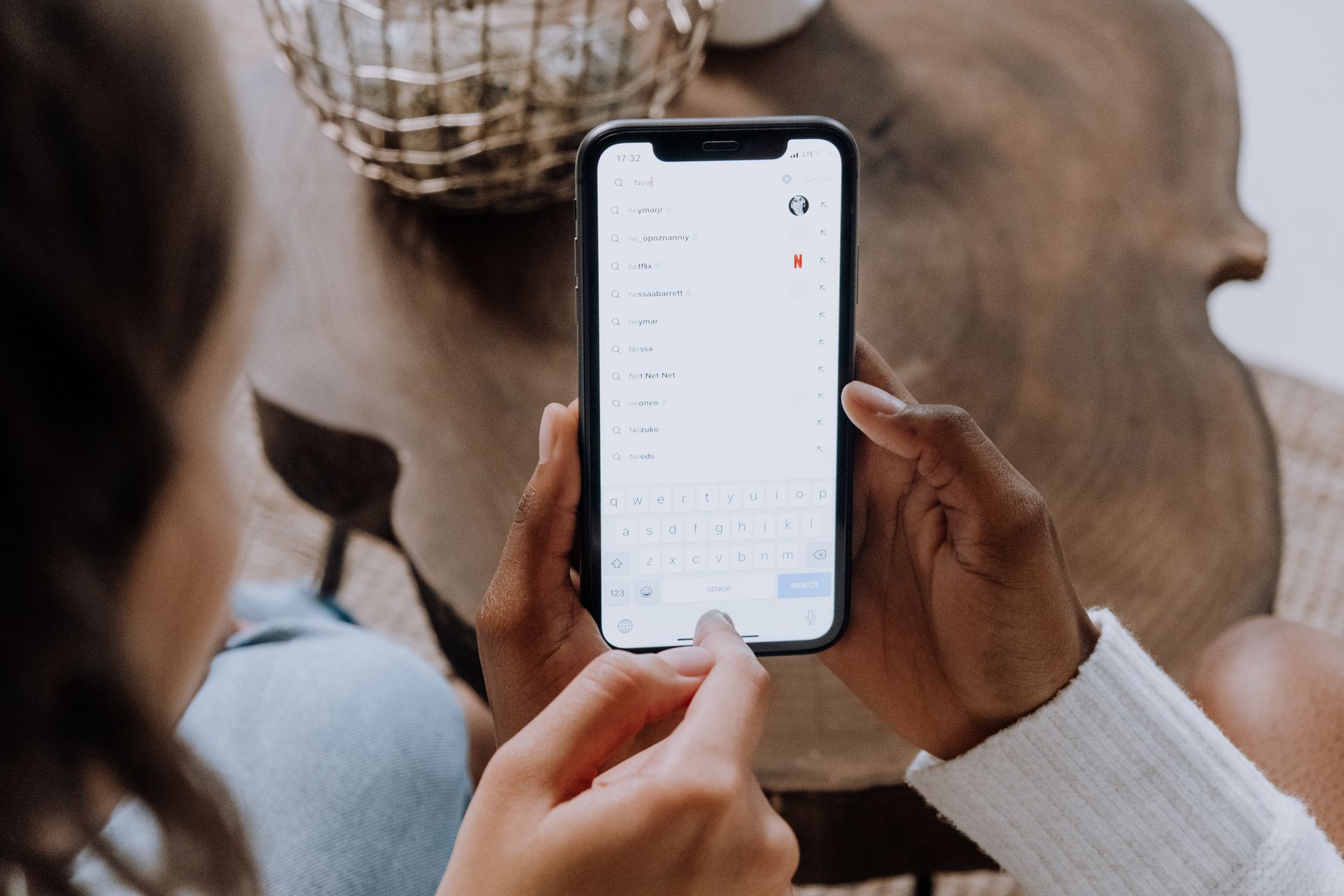
Most cash-back and receipt-scanning apps are designed primarily for smartphones, since the core feature is photographing a paper receipt with your phone’s camera. Some services offer limited web-based account management, but the receipt-scanning function itself typically requires a mobile app.
Can these apps be combined with AARP grocery benefits?
In many cases, yes. Cash-back and receipt-scanning apps generally work independently of membership-based grocery benefits, so there’s usually no conflict with using both at the same time. As always, it’s worth checking the specific terms of any membership benefit and the cash-back app to confirm they can be applied to the same purchase.
Cash-back and receipt-scanning apps aren’t going to replace a grocery budget, but for many shoppers, they’re a simple, free way to get a little something back on purchases they were already making. Start with one or two well-known apps, get comfortable with the routine of scanning receipts, and layer in coupons or loyalty programs as you go — the savings add up gradually, without much extra effort.